A stack is a folder Google Photos already had a word for
Google Photos brings manual stacking to Android 16 months after iOS, via a server-side rollout with no changelog entry.
By The Signal · · 5 min read
Google Photos on Android can now do something the iOS version has done since May 2025: let you manually group photos into a stack. No changelog entry announced it, no press release marked the date. Android Authority spotted it appear on a Pixel 11 Pro running app version 7.90.0.973970263 — and not appear on a Galaxy Z Fold 8 Ultra running a nearly identical build number.
The feature took 16 months to cross platforms it already existed on
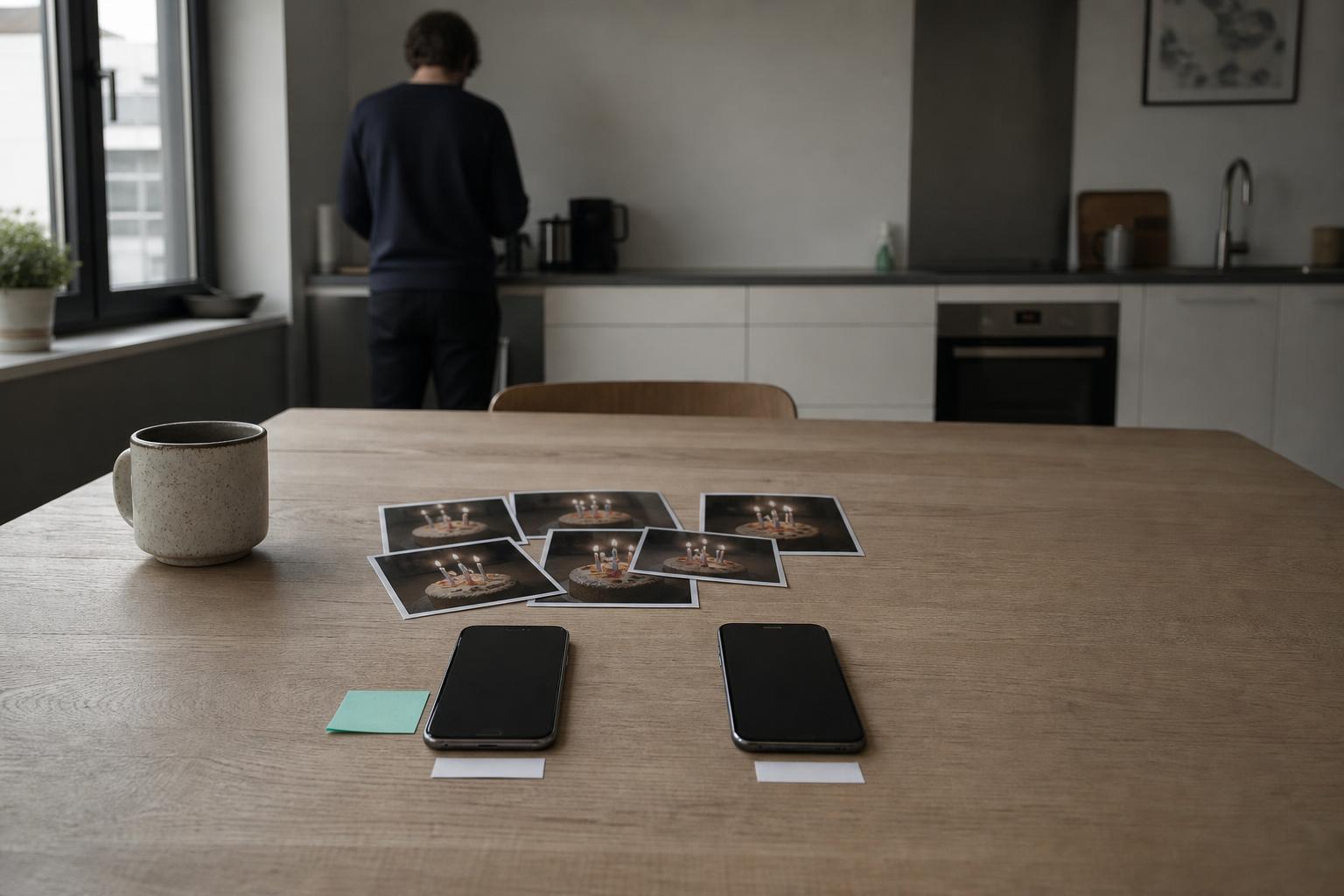
Google Photos has automatically stacked similar images for years — burst shots, near-duplicates, the five nearly identical sunset photos you took because you couldn't tell which one was in focus. That system runs on similarity detection: an algorithm groups images it judges close enough, then collapses them into a single thumbnail in your library. It works, mostly. It also occasionally stacks the wrong things, or fails to stack images that are obviously a set — three photos of the same birthday cake taken 40 seconds apart, filed as three separate library entries because the lighting shifted between shots.
Manual stacking is the fix for what the algorithm misses: you select any group of photos yourself and collapse them into one icon. Apple's Photos app got this in its own form well before Google's iOS build reached parity in May 2025. Android users have been asking for the same option since — Android Authority's reporting describes over a year of "not-so-patiently waiting," with signs the feature was coming and then not arriving, repeatedly.
Two nearly identical version numbers, two different outcomes
The detail worth sitting with is the build numbers. A Pixel 11 Pro on 7.90.0.973970263 has manual stacking. A Galaxy Z Fold 8 Ultra on 7.90.0.971743778 — same major version, 7.90.0 — does not. That's not a platform difference; both are Android. It's a server-side flag, the kind Google routinely uses to stage rollouts without shipping a new APK to everyone at once. The app on your phone is often not the full determinant of what your phone can do — a switch on Google's servers decides whether the code already sitting on your device is allowed to run. This is why two people with what looks like the same app, verified against the same version string, get different experiences, and why "update your app" is frequently useless advice for features stuck behind that switch. There is no visible signal — no beta flag, no settings toggle — telling a user which side of the flag they're on. You find out by opening the multi-select menu and checking whether "Create stack" appears.
Nobody pays for this, which is exactly the point of burying it
There's no monetization angle here, and that's informative rather than incidental. Google Photos' free tier already caps storage at 15GB shared across Gmail and Drive; stacking doesn't change what counts against that cap, since a stack is a display grouping, not a new copy of your images. Google gains nothing measurable from shipping this quietly — no upsell, no new paid tier, no data collected that wasn't already collected. The absence of an announcement is the tell: features that justify a subscription push get a blog post and a press cycle. Features that just fix an old annoyance get slipped into a server flag and discovered by users combing through the multi-select menu.
The people who benefit are narrow and specific: anyone who has tried to manually curate a chaotic camera roll and hit the wall of "the algorithm decided these aren't similar enough to group." A parent with 40 photos from one kid's soccer game, none similar enough by pixel comparison to trigger auto-stacking but obviously one event to the human looking at them, can now fold that event into one tile themselves. The gain is organizational, not financial, and it scales with how disorganized your library already was — which is to say, it scales with time, the same currency photo libraries always run on.
The rollout mechanism is the actual feature, not the tap sequence
The tap sequence to create a stack is trivial: select photos, tap the stack option, done. Android Authority's own description of it takes a single sentence. What's worth explaining is why a feature this simple took over a year to reach parity, and the answer is almost certainly staged rollout logic rather than engineering difficulty. Google ships Photos updates to a fraction of the user base, watches for crash reports and unexpected behavior, then widens the flag in increments — the same practice that put Gemini's newest Flash model through incremental version bumps rather than one release. The cost of that caution is invisibility: a real, working feature that exists on your phone right now but that you'll never find unless you go looking, because there's no badge, no notification, and no entry in a "What's New" list telling you to check.
This is a pattern with consequences beyond photo stacks. Server-side flags mean two phones running what looks like identical software can behave differently, and neither user has a way to know why, or when their own flag will flip. For a feature this low-stakes, that's a minor annoyance. For features touching payments, permissions, or content moderation — areas where Google and other platforms increasingly ship changes the same way — the same opacity becomes harder to shrug off.
The constraint nobody's fixing: there's still no list of what's rolled out to whom
Google Photos has no public dashboard showing which server-side features are live on which devices. Android Authority's method for finding manual stacking was checking two personal devices and comparing build strings — a manual, ad hoc process repeated across tech outlets every time Google ships something this way. There's no API a user or a journalist can query to ask "is feature X live on my account." Until that changes, discovering what your own phone can do will keep depending on someone else's Pixel getting the flag first, and writing it up.