Samsung’s Edge Panel is a launcher Android never built
Samsung’s Edge Panel has offered seven customizable app shortcuts since 2015, largely unused, unlike Android’s default drawer.
By The Signal · · 5 min read
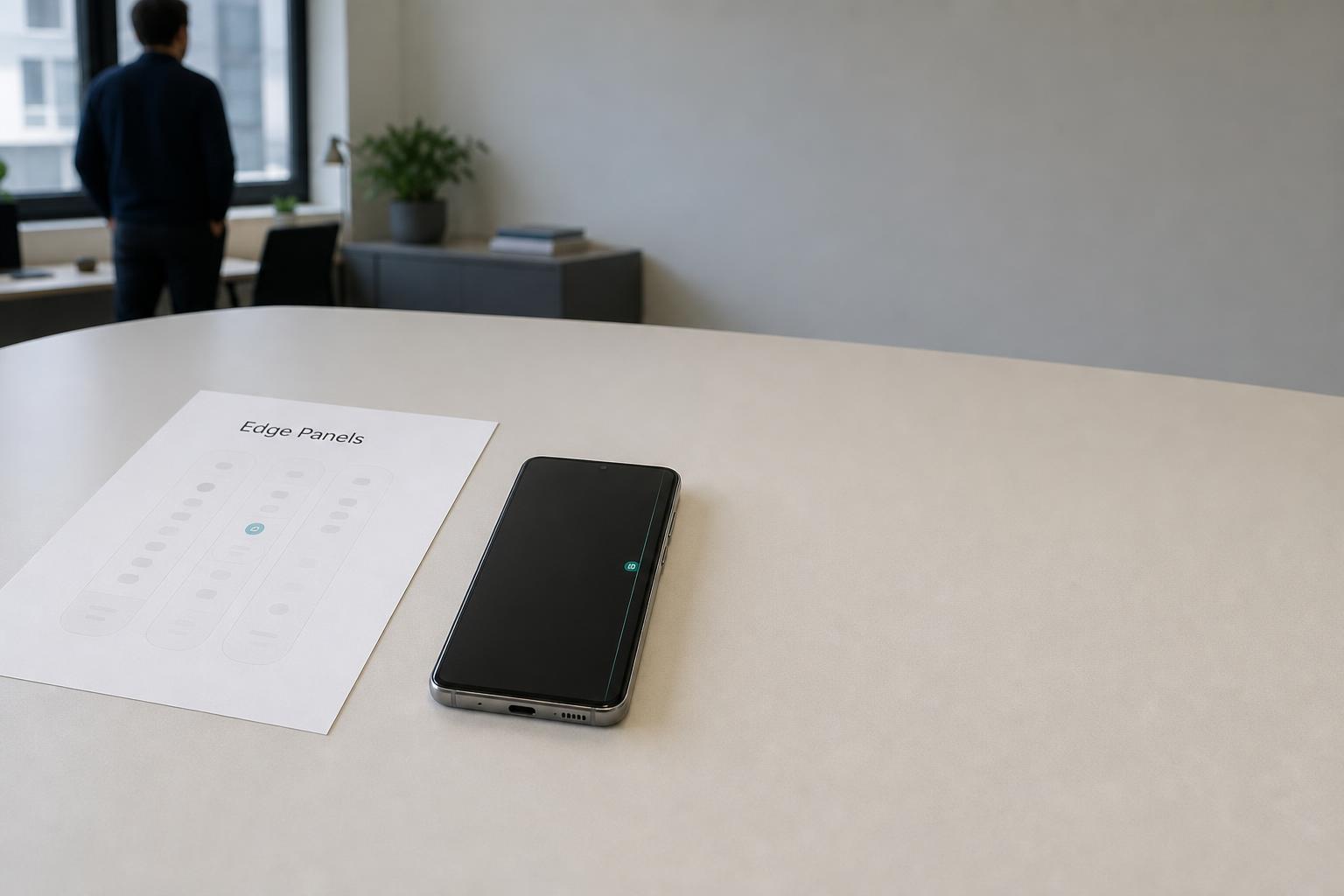
Samsung has shipped a customizable shortcut launcher on every Galaxy phone for roughly a decade, and most owners have never opened it. It's called the Edge Panel, it lives as a thin strip along the screen's edge, and it does something Android has never done natively: let you build your own dock of apps, contacts, and tools that sits outside the home screen and app drawer entirely.
Android ships a drawer. Samsung shipped a dock, and never marketed it
Stock Android's answer to app organization is the app drawer: a scrollable, alphabetized or algorithm-sorted list you swipe up to reach. It's functional and it's identical on every phone that runs it. Samsung's Edge Panel, by contrast, is closer to the Windows Start menu or the macOS dock — a fixed, user-arranged set of shortcuts that persists regardless of what's on your home screen or buried in the drawer.
The feature offers seven distinct panel types: Apps, People, Tasks, Weather, Tools, Clipboard, and Reminder. Each does one job. Apps and People are shortcut lists to your most-used software and contacts. Tasks bundles quick actions — screenshots, new calendar entries, alarms. Clipboard surfaces your copy history. Tools is, at present, a single compass showing cardinal direction. Weather and Reminder sync from Samsung's own preinstalled apps. Users can enable one panel or all seven, and reorder them so the most-used sits closest to the edge — fewer swipes to reach it.
None of this is new hardware or a new API. It's a settings toggle: Display > Edge Panels, on by default on most Galaxy devices but easy to miss because the panel itself renders as a barely visible line unless you know to look for it. That obscurity is the actual story — a feature this configurable, present on every unit Samsung has sold for years, with adoption low enough that a national tech outlet felt the need to explain what it does in 2025.
The corridor gets a light. That's the analogy that fits
Think of it like a building with an unmarked service corridor running alongside the main hallway. The main hallway — the home screen, the app drawer — is where everyone walks, because it's lit and labeled. The service corridor is faster for people who know it exists: it skips the detour through the lobby directory. But because nobody hung a sign on the door, most tenants never learn the shortcut is there, even after years in the building. Samsung didn't hide the Edge Panel deliberately. It just never invested in making its existence obvious at the moment a new owner first sets up the phone.
Nobody pays for this, and that's exactly the problem for Samsung
There's no subscription, no in-app purchase, no data harvest tied to the Edge Panel beyond what a normal Android installation already collects. The feature costs Samsung nothing incremental to keep shipping — it's baked into One UI, the company's Android skin, and has been since at least the Galaxy S6 edge era around 2015. The cost isn't financial. It's attention: a differentiator that could plausibly justify part of Samsung's premium over a plain Android device sits unexplained in a settings submenu, competing for space in the box against features Samsung does market loudly, like Galaxy AI and the Privacy Display panel debuting on the S26 Ultra.
Compare that to how Google handles Pixel's Now Playing — a background feature that identifies ambient music without a search, and one Google actively surfaces in marketing and on-device tutorials. Both are manufacturer-specific extras layered onto stock Android. Only one of them gets promoted as a reason to buy the phone. The gap isn't capability; it's whether the company that built the feature bothered to tell the customer it exists.
Who gains from fixing that gap is straightforward: Samsung, if it wants Edge Panel cited as a retention reason rather than discovered by accident via a syndicated explainer three phone generations later. Who pays for the gap staying open is every Galaxy owner currently digging through a cluttered home screen for an app that's been one swipe away the entire time.
Setup takes four menus, and the defaults undercut it
The panel works out of the box, but its default configuration undersells what it can do. To get real use from it, the settings path is: Display, then Edge Panels, then Panels, where you check which of the seven types show up. A three-dot menu in the top right holds a Reorder option — critical, since panel order determines swipe depth, and the most-used pane should sit first. The same menu has a Hide on Lock Screen toggle, worth using deliberately: Clipboard and Reminder panels can expose copied text or personal to-dos to anyone who picks up an unlocked-looking phone before authentication.
Apps, People, and Tasks panels are further customizable via an Edit button beneath each, since all three offer more available shortcuts than there are slots to hold them — meaning the user has to prioritize, not just accept a default list Samsung picked. None of this is difficult. All of it is optional, discoverable only by a user who already suspects there's more here than the faint line on the screen suggests.
The feature that ships is not the feature that gets used
The gap between "shipped" and "adopted" is the through-line connecting the Edge Panel to Samsung's broader software strategy, where the same pattern repeats: One UI accumulates capability every release cycle, and a shrinking fraction of it reaches the average owner's daily habits. It's a familiar tension in any platform business — differentiate on features, but only the features a user actually finds justify the premium price against a plainer competitor. A 200-megapixel camera sells itself in a spec sheet. A configurable side-panel launcher only sells itself if someone opens the settings menu and finds it.
What happens next isn't really up to the user. It's up to whether Samsung treats onboarding as a place to surface Edge Panel — a first-run tutorial, a notification nudge in the first week of ownership — rather than leaving it as a fact a tech outlet has to explain a decade after it shipped. If that doesn't change, the feature keeps existing exactly as it does now: fully built, fully functional, and largely unused by the people who already paid for it.